

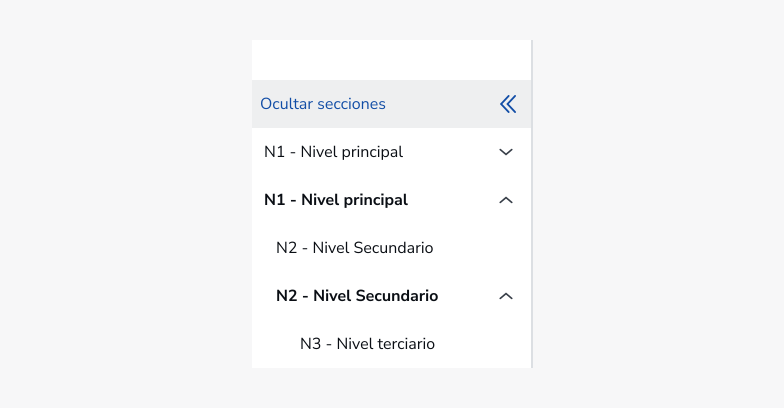
Lateral navigation allows users to navigate to parts of the page on which they are located. It can have up to 5 levels of depth.
Vertical menu
Preview
Uses
When to use
When not to use
Behaviour
Collapsible
The vertical menu can be configured as collapsible on those screens in which it is required due to the need to show the content of the page at 100% of the width. It will be used in resolutions of size XL.
Open button
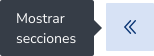
An opening button will be displayed that will have an absolute position with respect to the main container. It will be displayed on the left side of the screen at a distance of 8px.

Default
Hover

Focus

Pressed
Type

Simple: It is used when you do not have levels below in the hierarchy.

Drop-down: It is used when you have levels below in the hierarchy.
State

Default

Open

Hover

Focus

Pressed

Selected

Open Selected

Disable
Responsive

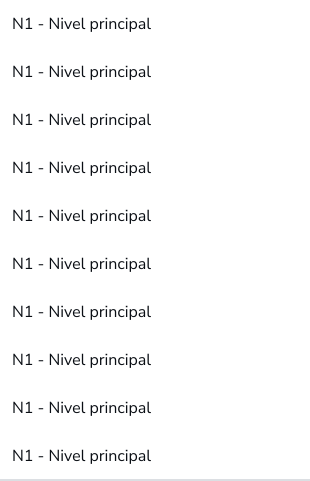
Mobile
List Mobile
Accessibility
This component has been validated to meet the accessibility requirements of UNE-EN 301549:2022, which includes the criteria of WCAG 2.1 (AA), however, changes in content and styles can affect accessibility compliance. We must make sure to review and follow the guidelines in this section when you update or add new content or style to this component.